Download the CatchON TV App — more than 24,000+ Live TV Channels + VODs & EPG, that work on all of your favorite devices
The CatchON TV app puts 24,000+ live channels, 90,000+ movies & series, and a full EPG guide at your fingertips — in 4K, FHD, HD, and SD quality. Install in minutes on any device, no satellite dish required.
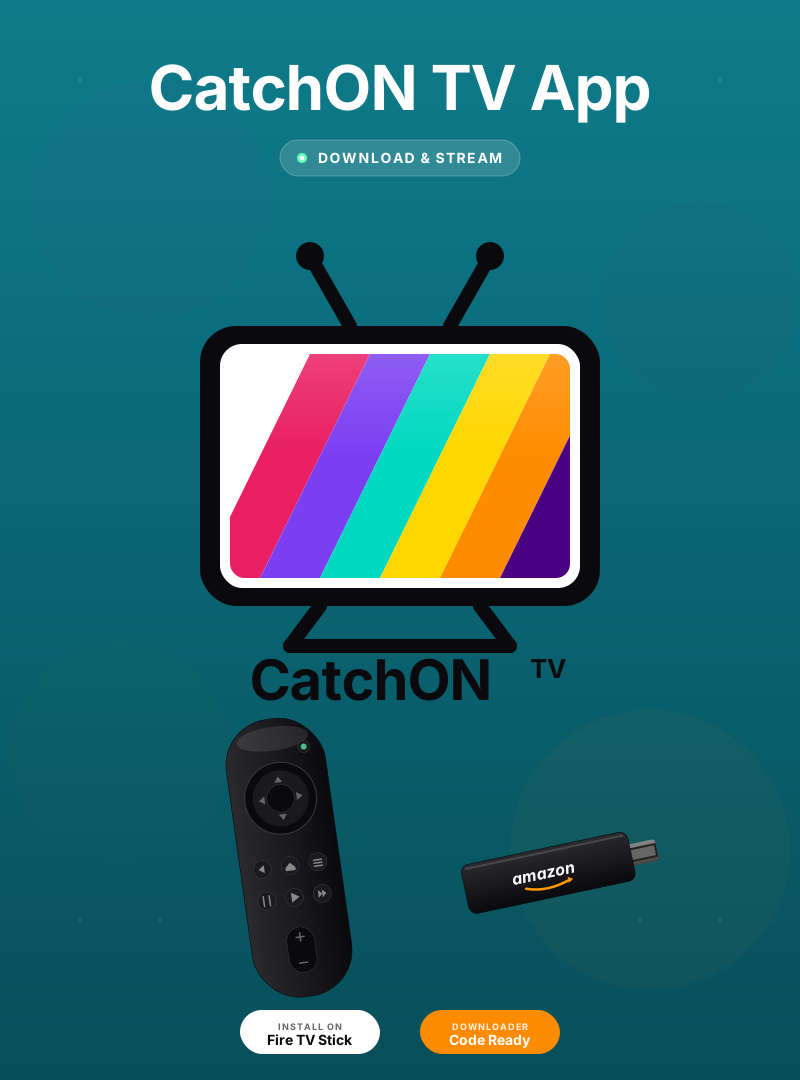
Choose the installation method that matches your device — all methods are quick and easy.
Use the Downloader app on your Firestick or Android TV box. Open Downloader and enter the code below to fetch the CatchON TV APK directly.
Download the APK file directly to your Android device, Firestick browser, or Smart TV. Enable "Install from unknown sources" when prompted, then install.
catchonstv.com/catchontv.apkOpen your Smart TV's built-in browser. Navigate to the APK download URL, download to the Downloads folder, enable unknown sources in Settings, and install.
Download APKCatchON TV runs seamlessly on your preferred streaming device — at home or on the go.
Getting CatchON TV up and running is fast and simple — follow these three easy steps.
Install the CatchON TV app on your device using Downloader (code 5728794) or the direct APK download link.
Open the app and enter the activation code or login credentials sent to your email after subscribing or starting a free trial.
Enjoy 24,000+ live channels, 90,000+ movies & series in HD and 4K — anytime, on any device.
Start your 24-hour free trial today. No credit card required. Cancel anytime.